
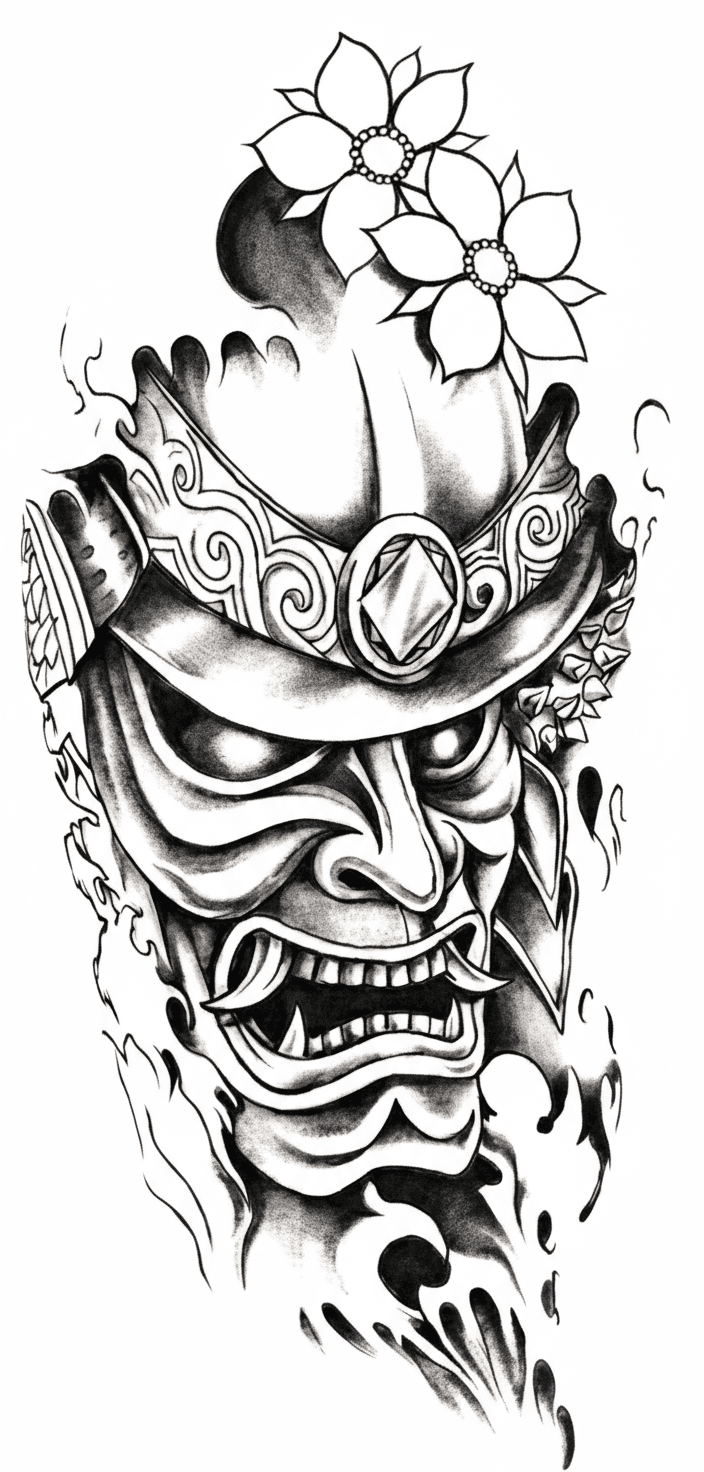
Your Tools
YOUR CREATIVE TOOLKIT
Two tools built for how you actually work.


Original
Extract
Auto Stencil
Snap a photo of any tattoo or flash sheet and get a clean stencil in seconds. Works with skin, paper, or screen.
Snap a photo of any tattoo
Pick the area you want
Get your stencil ready for Procreate


Reference
Create
Design Studio
Drop in a reference and get a custom design back. Pick a style, set the vibe, and let Kalco do the heavy lifting.
Drop in any reference image
Pick your style and vibe
Get a fresh design in seconds
Your Workflow
STRAIGHT TO PROCREATE
Every design you get is a Procreate file with layers, ready to open and edit on your iPad.
Ready to Edit
Your design comes on two layers—white background, black ink. Add your own shading, color, or details on top.
Works on Your iPad
Drop the file into Procreate and start working. No extra apps, no conversion, no hassle.
Any Size You Need
Designs come in a clean format you can resize for any print—stencil paper, flash sheets, whatever you need.